Get started
Signing up takes a minute. Getting in takes a little patience.
Vurra is in early access, so every account is approved by hand before it opens. You'll confirm your email, then hear from us, usually the same day.
01
Create an account
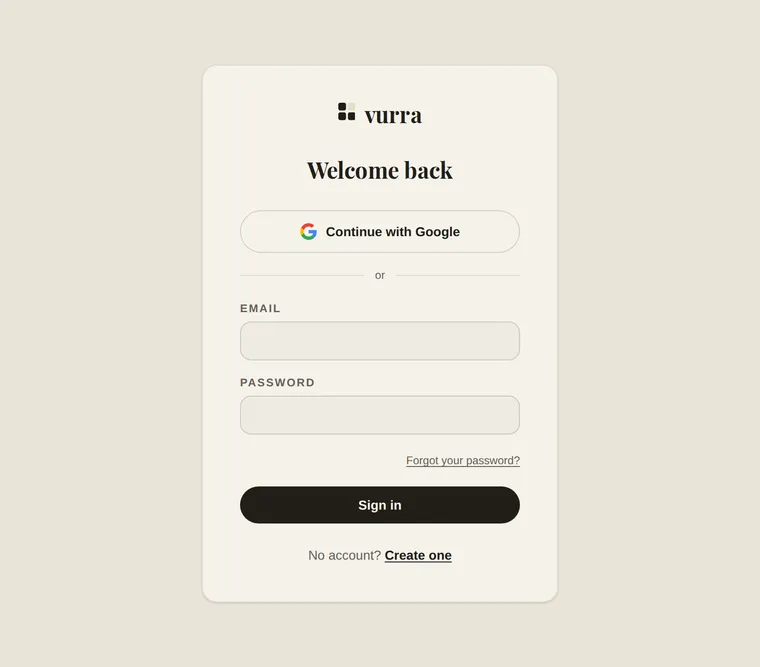
Email and a password, or continue with Google. Takes about a minute.
02
Confirm your email
Click the link we send you. If you signed in with Google, skip this: Google has already confirmed the address.
03
Wait for approval
Vurra is in early access and every account is approved by hand. You'll get an email when yours is open, usually the same day.
04
Make one board
Pick the thing you're already shopping for. Set the budget you actually have. Paste in the first few links.
What to put on the first board
The mistake is starting with everything. Pick the one project you're actively spending money on this month. The room, the trip, the move, the gifts, and put only that on a board.
Then three things, in this order:
- Set the budget to the number you actually have, not a comfortable one. The gap between the total and the ceiling is the whole point.
- Paste in five links. Not fifty. Five is enough to see the total do something, which is the moment the board starts being useful.
- Add one custom field. The one you already know you'll need. Lead time, size, room, who's paying. That's the field no other app would have given you.
If you want a longer version of this, planning a room makeover walks through a whole project end to end.
Questions
- What does it cost?
- Nothing right now. Vurra is free while it's in early access. There's no card to enter and no trial to expire.
- I signed up and can't get in.
- Two things have to happen first: confirm your email by clicking the link we sent (not needed if you used Google), then wait for your account to be approved. If it's been longer than a day, email [email protected] and we'll take a look.
- Why do I have to wait for approval?
- Vurra is small and new, and every account is looked at by a person. It keeps the place clean while it grows. It's usually the same day.
- Can I use it on my phone?
- Yes. It's a website that works on a phone, so there's nothing to install. Saving an item is a paste, which is the part that has to work one-handed in a store.
- Does it work with the stores I shop at?
- Paste a link from any store and Vurra reads the page for a title, price and image. Some sites block automated reads; when that happens Vurra says so and you can fill in the details yourself rather than being handed a wrong price.
- Can I share a board with someone?
- Not yet. Boards are single-user today: shared editing and public share links aren't built. It's the most-requested thing on the list.
- Can I get my data out?
- Yes. There's an export in your account settings that gives you everything you've put in.
Anything else: get in touch or email [email protected].